Täglich bieten wir KOSTENLOSE lizenzierte Software an, die ihr sonst bezahlen müsstet!
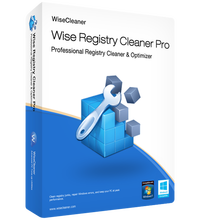
Giveaway of the day — Wise Registry Cleaner Pro 11.1.1
Wise Registry Cleaner Pro 11.1.1 war am 29. September 2023! als Giveaway verfügbar!

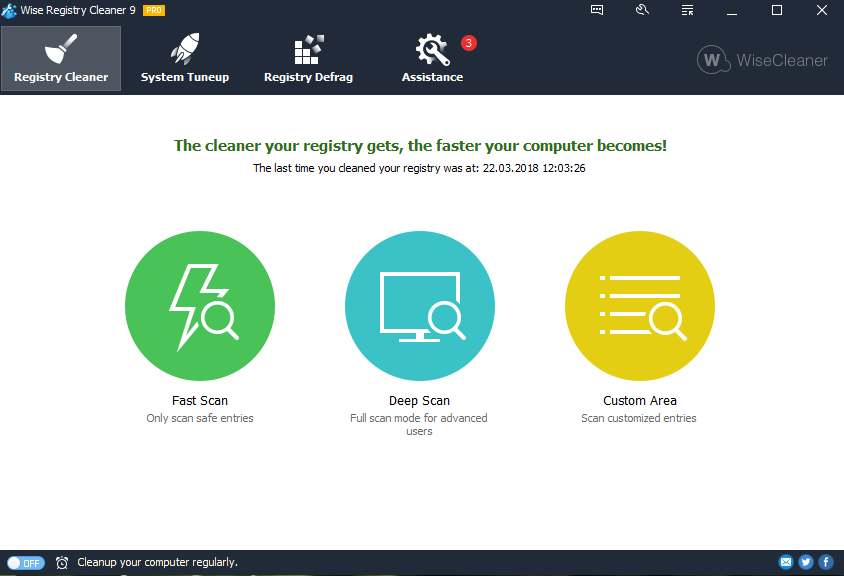
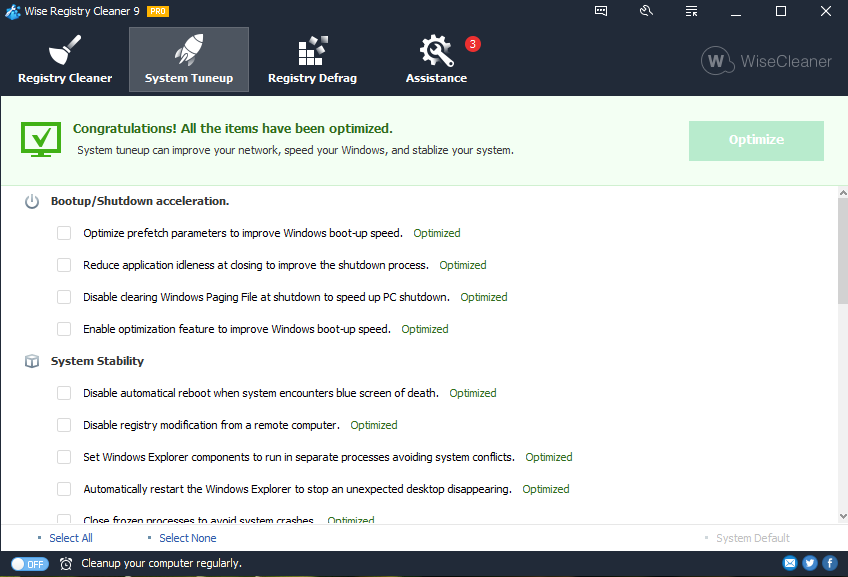
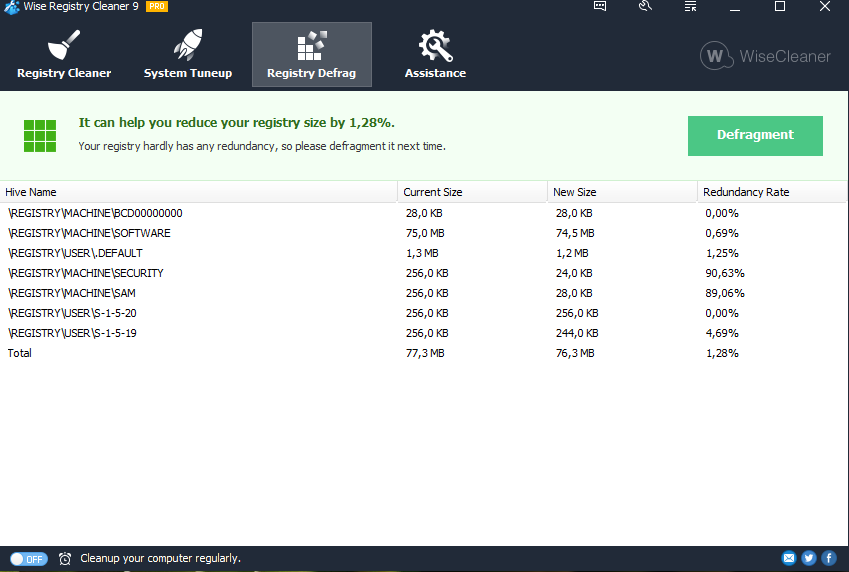
Wise Registry Cleaner ist eines der sichersten Registry-Reinigungstools, die derzeit auf dem Markt erhältlich sind. Die Scan-Engine ist gründlich, sicher und schnell.
Es ist so einfach zu verwenden, dass selbst der am wenigsten erfahrene Benutzer die Registrierung mit diesem Tool problemlos reparieren kann. Es durchsucht die Windows-Registry und findet falsche oder veraltete Informationen. Durch die Behebung veralteter Informationen in der Windows-Registry kann ihr System besser und schneller funktionieren. Nachdem Wise Registry Cleaner euer System auf Probleme analysiert hat, könnt ihr jedes der gefundenen Probleme einzeln anzeigen und eine detaillierte Beschreibung aufrufen. Auf Wunsch könnt ihr alle Probleme auch automatisch beheben lassen, alle Änderungen an eurem System werden von Wise Registry Cleaner überwacht und können mit wenigen Mausklicks rückgängig gemacht werden, sodass ihr euch erleichtert fühlen könnt.
System-anforderungen:
Windows 2003/ 2008/ XP/ Vista/ 7/ 8/ 10 (x32/x64); CPU: Pentium 233 MHz or above; RAM: 128 MB or above; Disk Space: the minimum of the space for installing Wise Registry Cleaner is 10 MB
Herausgeber:
WiseCleaner.comHomepage:
https://www.wisecleaner.com/wise-registry-cleaner.htmlDateigröße:
9.1 MB
Licence details:
Lebenslange Lizenz, keine Updates
Preis:
$35.94
Weitere interessante Titel


Wise Folder Hider Pro wurde so entwickelt, dass eure Daten vor dem Sehen, Lesen und Bearbeiten durch Außenstehende mit Hilfe eines Passworts geschützt sind.
Ein hilfreiches Tool, das euch erlaubt, doppelte Dateien ganz schnell zu finden und zu löschen, indem es Namen, Dateigrößen oder Inhalte zu vergleichen. So befreit ihr eine Menge Platz auf eurer Festplatte!
GIVEAWAY download basket




iPhone Angebote »










Kommentare zum Wise Registry Cleaner Pro 11.1.1
Please add a comment explaining the reason behind your vote.
The Wise Registry Cleaner folder does not have to be on the PC. Wise Registry Cleaner also works from a Memory-stick.
Save | Cancel
The GOTD version of Wise Registry Cleaner Pro will run semi-portably, as posted by Maria Guzman, but the regular, paid version may or may not -- the special version for GOTD does not require, *or look to see if it's activated*, while the regular version *might* store the key and a machine ID in Windows. Using a dual boot VM, I monitored the installation of the GOTD, Wise Registry Cleaner Pro, then booted into Win10 and monitored what happened when I ran Wise Registry Cleaner Pro from the Win11 drive without installing it. Installing the app added the program's folder plus a folder in Users\ [UserName]\ AppData\ Roaming\, adding one key to the registry for uninstall, and one for the app itself. Running the app without installation also added the user folder & files, along with the app's registry key -- those changes are why I call it semi-portable.
Note that while the software allows, and encourages you to make a backup of the registry before any changes are made, you can only restore that backup by running Wise Registry Cleaner Pro -- if Windows won't start you're out of luck, so it's safest to create a disk/partition image backup you know you can restore beforehand. Creating a Restore Point can also work, but it's not as reliable as an image backup.
Registry cleaners work by looking for and removing entries with broken links, including things like files that don't exist at the location listed and other registry keys that don't exist. They also might include tweaks that are known to help -- the 2nd tab in Wise Registry Cleaner Pro is devoted to that. Mileage varies using registry cleaners, with some people reporting large improvements and even fixes, while others have reported it broke software & even sometimes Windows. Some software has been around, and updated for years, which usually means that there's an awful lot of old code that's still in use. There can be references to specific registry entries somewhere in that old code, even though those entries are no longer used or have any purpose. If a registry cleaner removes them, that software could break. Registry cleaners are also not as efficient as manual editing in terms of total garbage removed, though manual editing can be Extremely Tedious. The registry for example contains Very Many keys with several sub-keys and entries, but that key's entire focus is a single file or another registry key. If that file or key doesn't exist, a registry cleaner will only remove that one line, while a manual edit would delete the entire key. The registry is a large database read into system memory that's constantly being read & written to -- if it grows too large that can effect performance. However you have to remove a huge number of entries to reduce the registry's size by a noticeable amount. Microsoft generally doesn't say anything for or against registry cleaners, focusing instead on reinstalling Windows if/when there's a problem, which today remains the most sure-fire cure for problems [at least those that are not design related]. And as a bonus it also tends to shrink the registry
Save | Cancel
Hello!, GIVEAWAY of the day!
Everyday!, The FREE Licensed Software, Game, or Application of System and Device that you offer just gets activated during the download or do we have to activate them separately after the download completes?
Thankyou!
Save | Cancel
Ayush Sharma,
It depends on the software vendor. Some come pre-activated and some require a process by the user. Always read the readme file for specific instructions.
Save | Cancel