Täglich bieten wir KOSTENLOSE lizenzierte Software an, die ihr sonst bezahlen müsstet!

Giveaway of the day — RecCloud LightEditor 1.0.0.9
RecCloud LightEditor 1.0.0.9 war am 27. Oktober 2023! als Giveaway verfügbar!

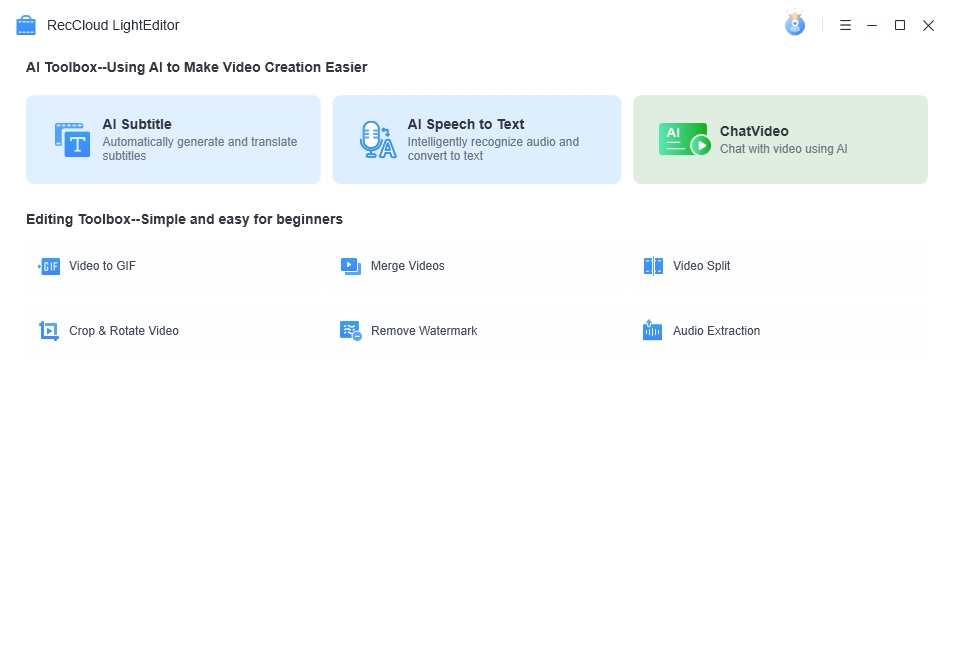
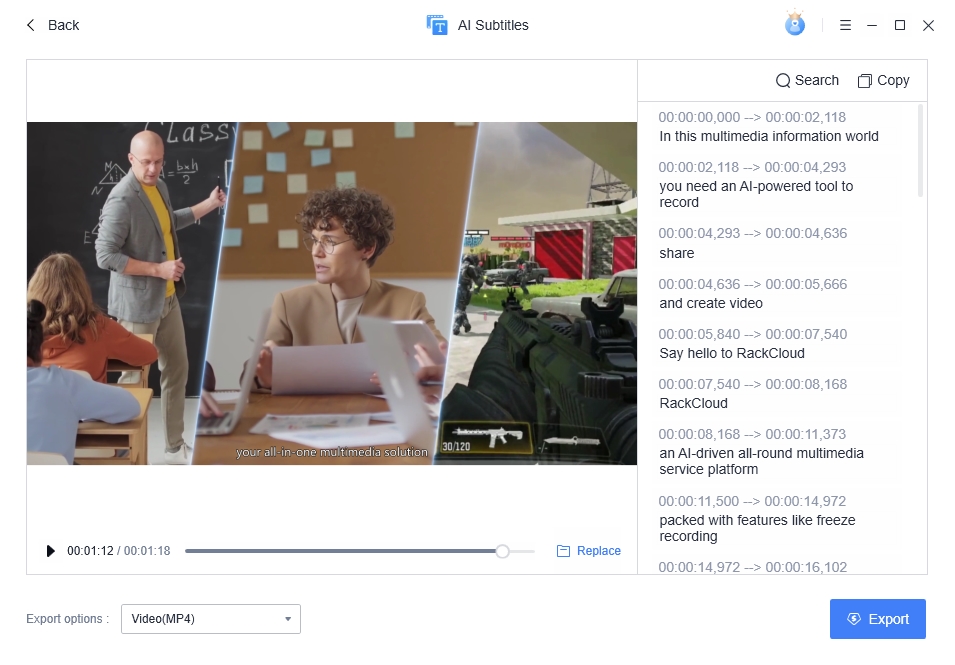
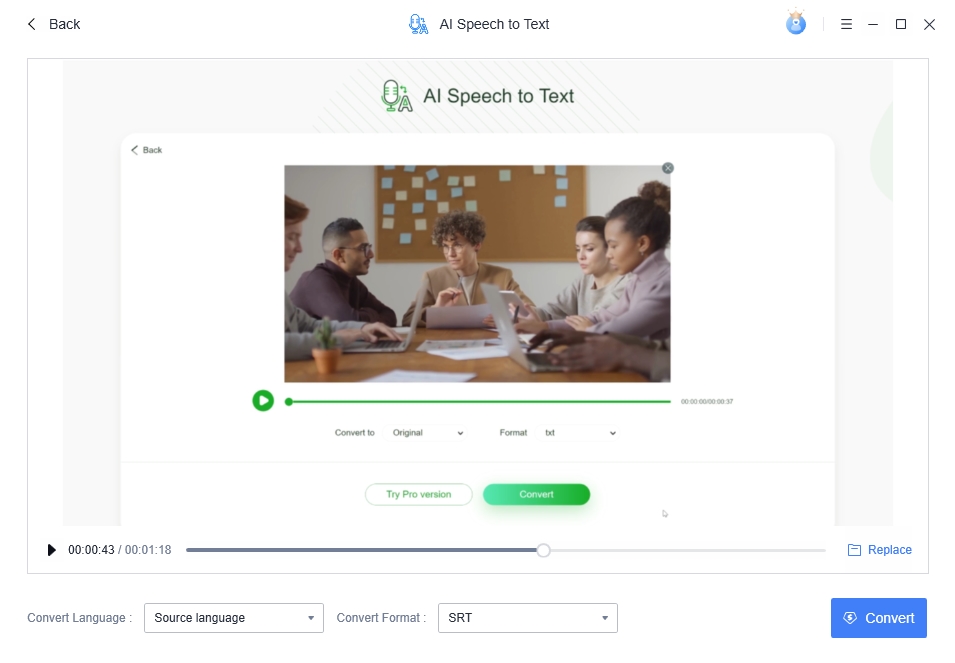
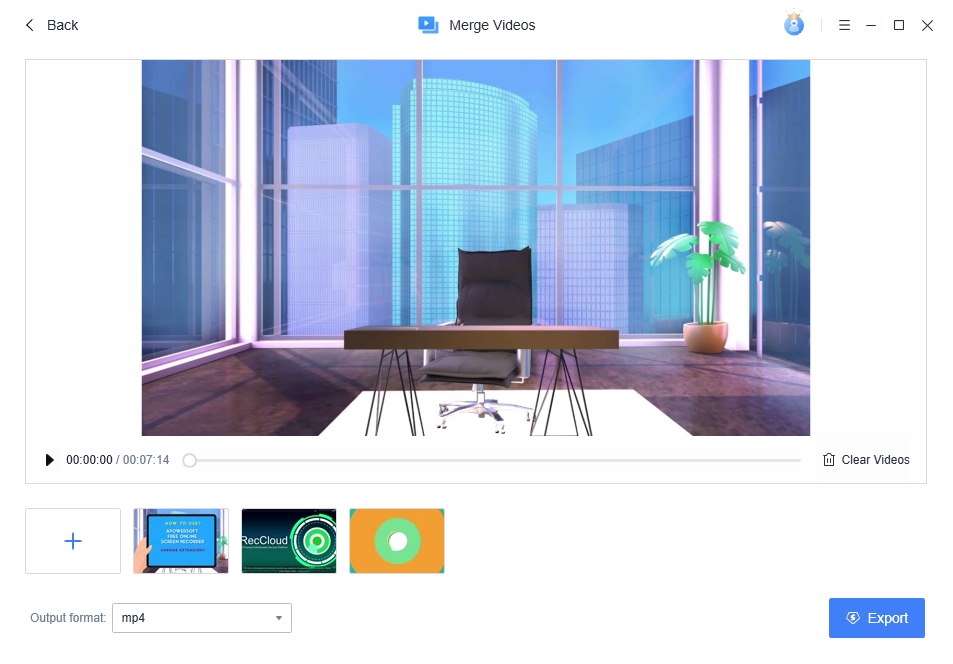
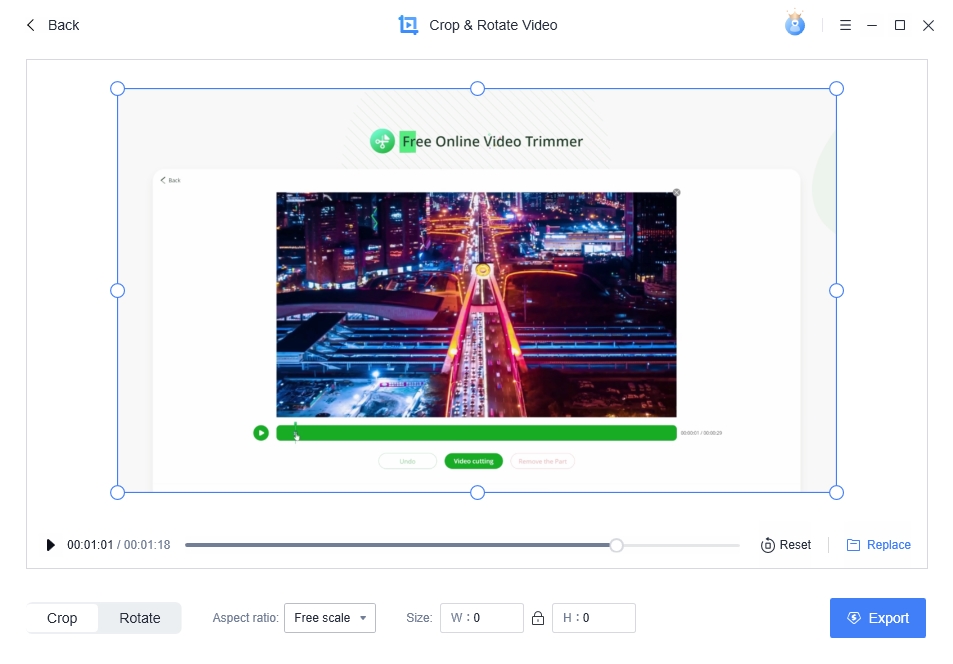
RecCloud LightEditor ist eine funktionsreiche Videobearbeitungs-Toolbox, die KI-Tools und eine Vielzahl leistungsstarker Bearbeitungsfunktionen bietet. Es ist benutzerfreundlich, mit Ein-Klick-Bedienung, für alle Benutzer geeignet, auch Anfänger ohne Vorkenntnisse können problemlos damit umgehen.
Durch die Nutzung seiner leistungsstarken KI-Funktionen wie KI-Untertitel und KI-Sprache-zu-Text könnt ihr mühelos atemberaubende Videos erstellen. Darüber hinaus bietet es eine Vielzahl nützlicher Videobearbeitungsfunktionen, mit denen ihr Videos in GIFs konvertieren, mehrere Videos zusammenführen, teilen, zuschneiden und drehen, Wasserzeichen entfernen und Audio aus Videos extrahieren könnt.
System-anforderungen:
Windows 7/ 8/ 8.1/ 10/ 11
Herausgeber:
RecCloudHomepage:
https://reccloud.com/Dateigröße:
1.25 MB
Licence details:
Jahreslizenz
Preis:
$5.75 per month
Weitere interessante Titel

Apowersoft Watermark Remover ist ein beeindruckendes Tool, mit dem ihr Wasserzeichen aus Videos und Fotos einfach und schnell stapelweise entfernen könnt. Mit den vielseitigen Werkzeugen zur Auswahl von Wasserzeichen können auch Logos, Zeitstempel, Texte und alle unerwünschten Objekte nach euren Wünschen entfernt werden. Die Benutzeroberfläche ist sehr intuitiv und die Funktionen selbsterklärend. Zieht einfach eure Fotos/Videos in die Software, wählt die Wasserzeichen aus und löscht sie mit nur einem Klick.

LightMV ist ein webbasiertes Tool zur Videoerstellung, mit dem ihr eure einfachen Fotos in ein atemberaubendes Video mit hoher Qualität verwandeln könnt. Es verfügt über verschiedene Vorlagen für diverse ereignisreichen Situationen, zum Beispiel Hochzeit, Geburtstag, Zeremonie, Abschlussfeier, Urlaub, Reisen und vieles mehr. In nur wenigen Minuten kann man ein professionelles Video erstellen!

Mit AirMore könnt ihr euer Mobilgerät drahtlos mit dem PC verbinden und Daten problemlos übertragen. Ihr müsst es nur in eurem Webbrowser auf dem PC öffnen und den QR-Code scannen. Danach werden alle Daten eures Mobiltelefons auf eurem Computer angezeigt.
GIVEAWAY download basket




Kommentare zum RecCloud LightEditor 1.0.0.9
Please add a comment explaining the reason behind your vote.

iPhone Angebote »





Android Angebote »





There are two activation codes, but the second code does not seem to work. You are asked to copy the first code into a "Redeem" box and click on the button. This works fine. Then there is a second code that should be "pasted into the same box". But when you press the button then, you get an error message.
Save | Cancel