Täglich bieten wir KOSTENLOSE lizenzierte Software an, die ihr sonst bezahlen müsstet!

Giveaway of the day — oMega Commander 2.3.14
oMega Commander 2.3.14 war am 19. April 2019! als Giveaway verfügbar!

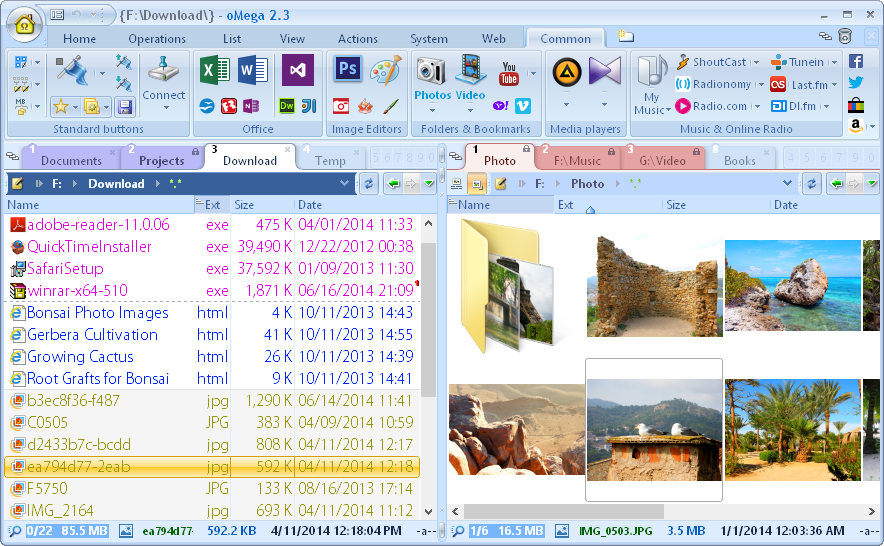
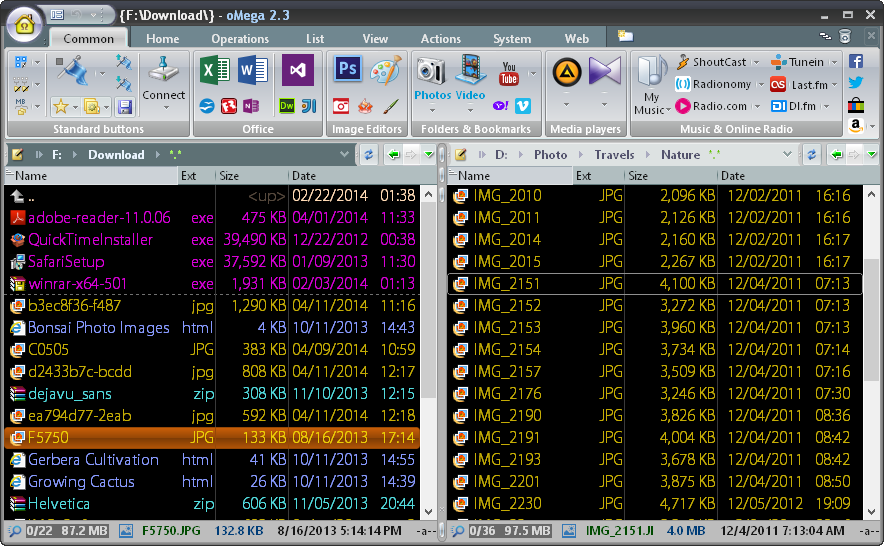

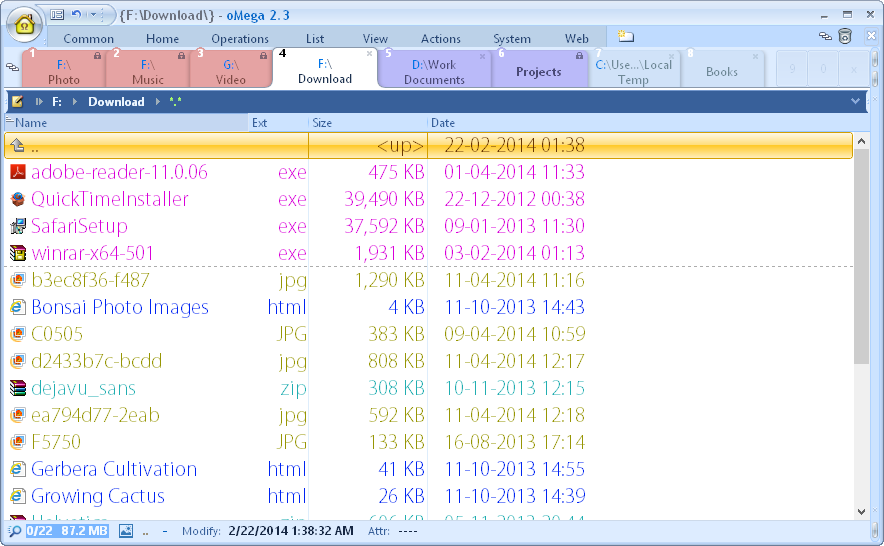
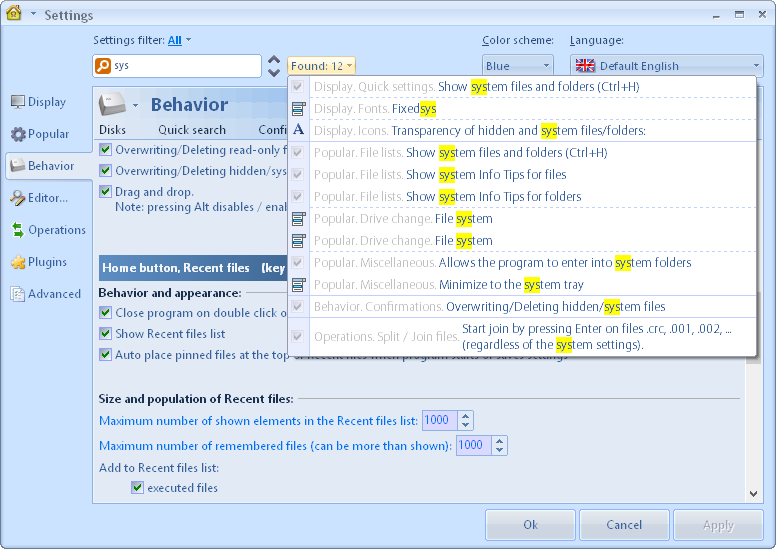
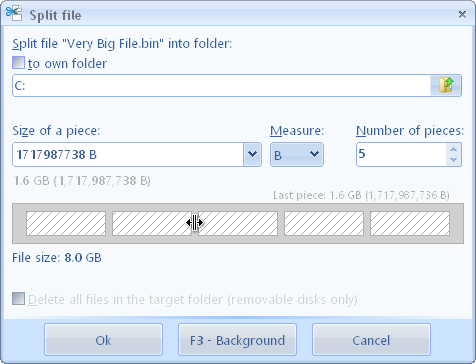
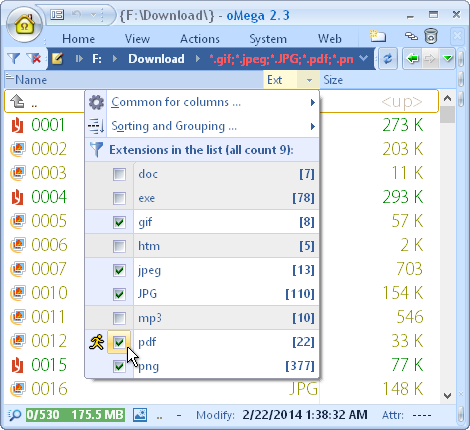
NB: How to get key data' is in the Readme file included into the package you download. Please, enter your e-mail (not NAME!!!) into the 'Name' field when registering the software.
Otherwise the key won't work.
oMega Commander ist ein moderner Dateimanager, das euch eine Vielzahl an Funktionen - sowohl für Anfänger als auch für fortgeschrittene Benutzer - bietet. So habt ihr schnellen Zugang zu allen Betriebssystemoperationen und beliebten Internet-Ressourcen.
Das Tool ist sehr intuitiv und im höchsten Maße anpassbar. Das klassische Layout wurde durch etliche visuelle Innovationen bereichert. So lernt ihr neue Funktionen problemlos mit Hilfe animierter Tipps sowie des durchsuchbaren Einstellungen-Dialogs und des integrierten Online-Hilfesystems kennen. Alle Dateioperationen wurden optimiert und laufen daher blitzschnell. Anzeigen und Bearbeiten von mehreren Dateitypen kann innerhalb des Commanders geschehen.
Der ultimative Zweck des Mega Commander ist es, euch volle Kontrolle über euren PC zu geben und euch bei allen großartigen Projekten zu unterstützen.
System-anforderungen:
Windows XP/ Vista/ 7/ 8/ 8.1/ 10
Herausgeber:
Pylonos.comHomepage:
https://pylonos.com/omegaDateigröße:
7 MB
Preis:
$15.00
GIVEAWAY download basket




Kommentare zum oMega Commander 2.3.14
Please add a comment explaining the reason behind your vote.

I've used many file managers for the PC over the last 30 years, but none has been as fancy as this. I own XYplorer and xplorer2, both of which are excellent, but this program is almost overwhelming in its features. And the presentation is unlike anything I've seen, with little popup-and-fade-away bits of info, tips, and animations.
So far I could find nearly every setting I wanted (show sizes as bytes; intermix folders and files in lists; use menus instead of ribbons, etc.) -- but there seems to be one major, common, obvious feature missing: I don't see how you can reorder the columns in the details list. In every other program, even super-low-end, simple ones, you just drag the columns to the order you want them. Here, that doesn't work.
Anybody know how to do change column order in the details list?
Other than that, big thumbs up so far (many further hours of testing ahead).

NB: 'How to get key data' is in the Readme file included into the package you download. Please, enter your e-mail (not NAME!!!) into the 'Name' field when registering the software.
Otherwise the key won't work.
They seem to have forgotten an essential part of a file manager - a Treeview!
mike, They do have variations Under Filters > flat view > Show internal files. It can be modified to show all folders and/or all folders and filters beneath the folder.
Working good, but without TREEVIEW it isn`t useful for me. Sorry to uninstall it.
iPhone Angebote »





Android Angebote »





The received license key "is incorrect". Deleted,
Save | Cancel
Paul Siemons,
register it with your mail-account (not your name)
Save | Cancel
Ohne Verzeichnisbaum-Ansicht ist ein "Commander" nutzlos! Viel Spielerei, aber diese für einen Dateimanager absolut notwendige Funktion fehlt!
Save | Cancel
Nice TotalCommander Clone, Thank you ! (by the way, funny to see all these "Treeview" - Addicted comments)
The only thing i really miss is the ability to highlight Files and folders with the left mousebutton...
Save | Cancel
Guter einfach zu bedienender Dateimanager
Save | Cancel