Täglich bieten wir KOSTENLOSE lizenzierte Software an, die ihr sonst bezahlen müsstet!
Giveaway of the day — GiMeSpace KMShare 1.1.0
GiMeSpace KMShare 1.1.0 war am 30. Oktober 2022! als Giveaway verfügbar!
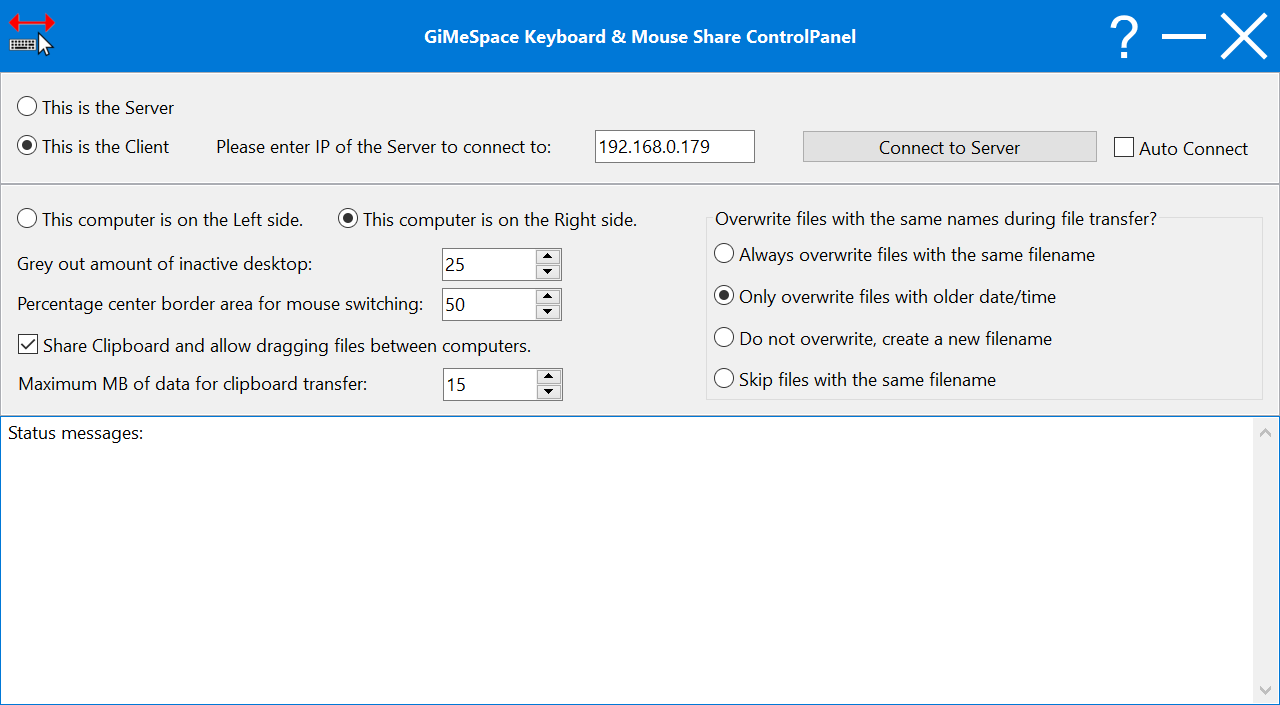
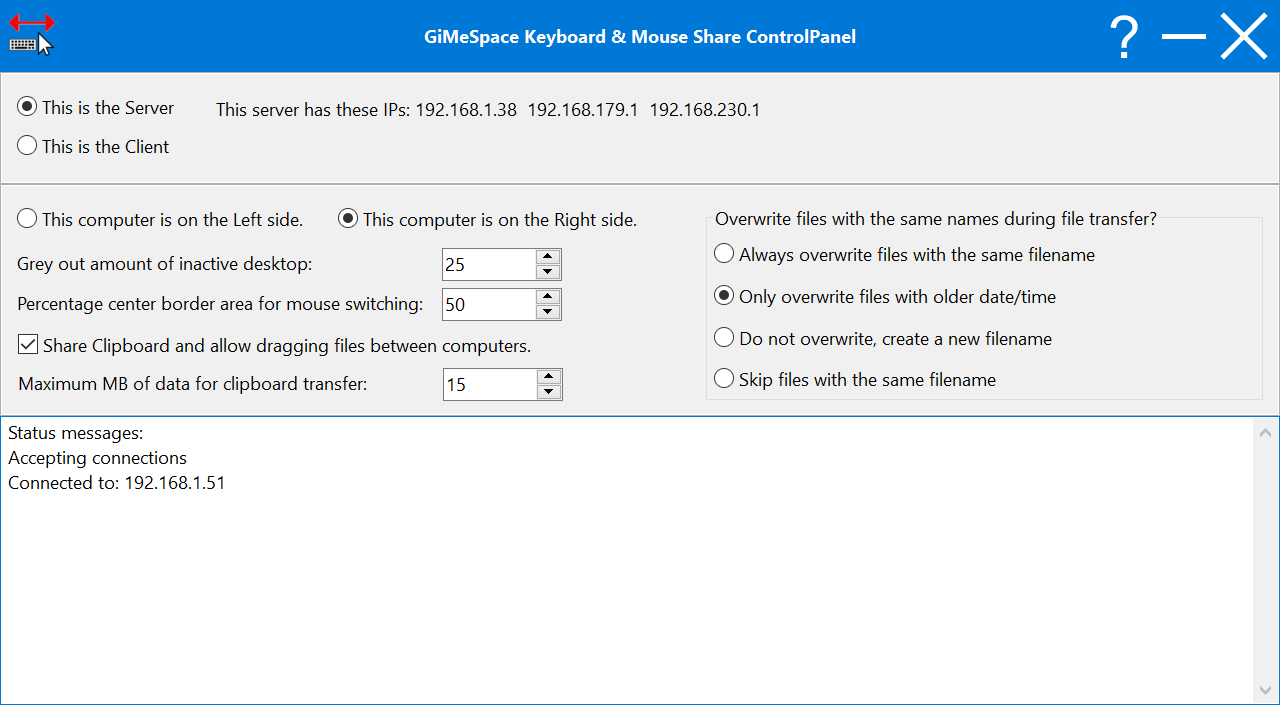
KMShare macht es einfach, zwei Computer miteinander zu verbinden und Maus, Tastatur und Zwischenablage der beiden Computer nahtlos gemeinsam zu nutzen. Bewegt einfach die Maus an den Rand des Bildschirms in Richtung des anderen Computers und euer Mauszeiger erscheint auf dem anderen Bildschirm. Der Tastaturfokus folgt ebenfalls der Maus und der Inhalt der Zwischenablage wird auch auf dem anderen Computer verfügbar.
Im Vergleich zu anderer ähnlicher Software bietet dieses Produkt eine viel schnellere Netzwerkverbindung, wodurch die Mausbewegung viel genauer und die Dateiübertragung viel schneller wird.
System-anforderungen:
Windows 7/ 8/ 10/ 11; mouse is needed
Herausgeber:
GiMeSpaceHomepage:
https://gimespace.com/kvmshare.htmlDateigröße:
6.66 MB
Licence details:
Lebenslange Lizenz
Preis:
$19.00
Weitere interessante Titel
Mit der Pro-Version könnt ihr auch eure Fenster auf den verbundenen Computern gemeinsam nutzen. Ein einfacher Hotkey verschiebt euer aktives Programmfenster auf den Bildschirm des anderen Computers. Es können bis zu 3 Computer verbunden werden und ihr könnt auch viel größere Mengen an Zwischenablage-Daten gemeinsam nutzen.
Dieses Programm wurde entwickelt, um das Abspielen von Musik auf einem Computer intuitiver und erschwinglicher für jeden zu machen, der Musik machen möchte. Es bietet die natürlichste Art, Musik zu machen, indem ihr einfach euren Touchscreen oder eure Hand vor der Webcam benutzen. Wenn ihr diese nicht habt, könnt auch eure Maus verwenden.
Dies ist die Standardversion des virtuellen Desktop-Managers. Wenn ihr eure Maus an den Rand eures Bildschirms bewegt, werdet ihr feststellen, dass euer Desktop über die Grenzen eures normalen Desktops hinausgeht. Dies ist eine kostengünstige Alternative, um weitere Monitore zu eurem Computer hinzuzufügen.
Dies ist die Deluxe-Version des Desktop Extenders. Wie in der Standard-Ausgabe könnt ihr links-rechts, oben-unten scrollen. Aber jetzt könnt ihr auch nahtlos hinein- und herauszoomen. So könnt ihr auf eurem Desktop in drei Dimensionen navigieren!
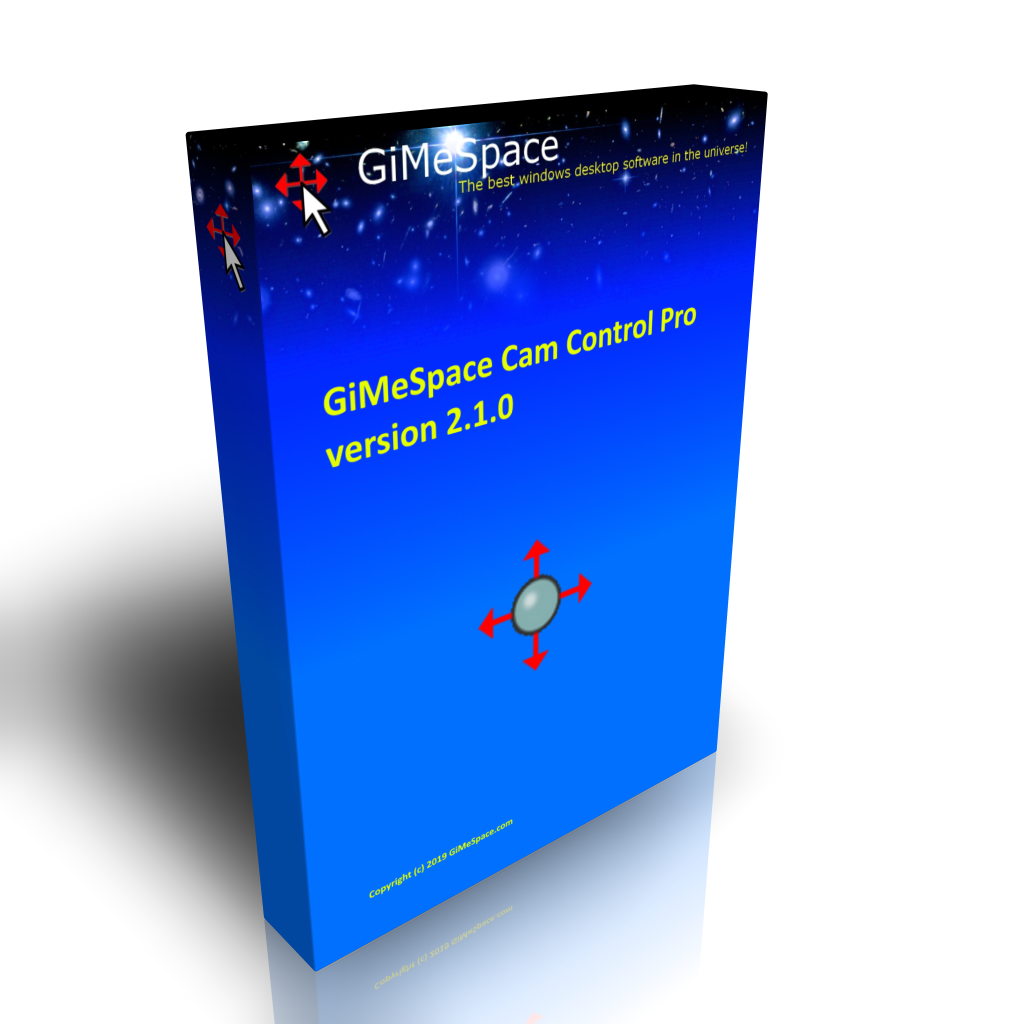
Steuert euren Computer, indem ihr Gesten vor eurer Webcam macht! Ihr könnt Mausbewegungen und -klicks, die Cursortasten der Tastatur simulieren oder die virtuellen Desktop-Manager von GiMeSpace steuern.
GIVEAWAY download basket
iPhone Angebote »





Android Angebote »



Kommentare zum GiMeSpace KMShare 1.1.0
Please add a comment explaining the reason behind your vote.
This promises to span across only 2 computer's screens ( 3 computers in the Pro version NOT free today ).
I regularly work with 4 or more computer's screens in view.
So I'm comparing this to:
- FREE Microsoft Garage Mouse Without Borders that can span one keyboard and mouse across 4 in-view computer's screens,
- FREE Teamviewer and FREE AeroAdmin that can bring any number of in-view or remote computers into separate or tabbed windows on the one computer I am sitting at.
I also have a ( not free ) KVM switches that work in any mode, not just Windows, but also work in DOS, Linux, and in pre-boot BIOS setup.
What are other people comparing to, and how does GoMeSpace KMShare v1.1.0 work for you?
Thanks for letting us explore this and share.
.
Save | Cancel
Can this be used to share between PC and Mac? If not, is there such a program available?
Save | Cancel
Richard Hidalgo, I have been using Logitech mouse and keyboards for some time now with there "Flow" software.... It just works... does all the same stuff as this program claims and more... move to edge of screen...mouse goes over (you do have to use there mouse though) software is free.
Push button to toggle same mouse/keyboard through 3 diff computers (devices really... they ALL work)
And yes it goes between mac and win... AND...from those to linx and Android as well... yes you can control your desktop win comp.. your MacBook pro... your Android phone etc with one mouse and one keyboard
I am doing it now... I am typing on a desktop, have laptop open and an Android in a dock all controlled with this keyboard and mouse I'm typing on and can ALL share files between them
I have a second Logitech k380 keyboard that I keep in my work truck... just to type longer emails etc on both of the phones I have to carry. AND I use it to work on my laptop that sits on the dash while I type comfortably with a keyboard in my lap.
Oh and also works on all tablets...
The mouse.. Amazon (look for sales) Logitech M720 Triathlon $35. The key Logitech K380.
Cheap, simple battery powered.... batts last for almost 2yrs...
look up.... Logitech flow
https://www.youtube.com/watch?v=0rs6WMN0uUE
https://www.youtube.com/watch?v=RHaLIq7CV68
Save | Cancel